How to choose the right template for your video
Explainer, product launch, ad, lesson or short film: a quick way to match the template to what your video needs to do.
Every Motioners template is a full visual style, from the way text moves to how characters and charts are drawn. The quickest way to choose is to start from the job the video has to do, then watch the demos in that group.
01Start from the goal
- Explain how something works: explainer templates use diagrams, charts and step-by-step builds.
- Launch or show a product: product templates animate app screens, cursors and feature callouts.
- Sell something now: ad templates are short, with a strong offer and a clear call to action.
- Teach one idea: education templates draw the lesson out, like a whiteboard or a notebook.
- Tell a true story: documentary templates use timelines, maps and archive-style visuals.
- Entertain: story and short film templates use characters, dialogue and cinematic scenes.
02Check the format
Most templates are widescreen (16:9) for YouTube and websites. Templates marked 9:16 are vertical, made for Shorts, Reels and TikTok. Pick the format first if you already know where the video will be posted.
03Watch the demo with sound
Every template page has a real video made by Motioners. Play it with sound to hear how the narration, music and subtitles fit together, then open the template in the studio with one click.
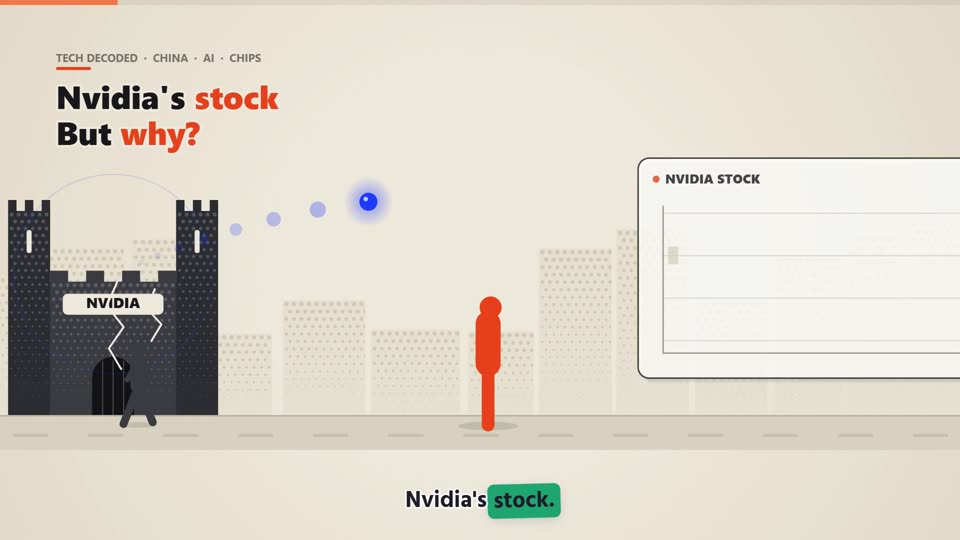 Template to tryNewsroom BreakdownHeadlines unpacked, print art