How to turn a script into a motion video
Paste your words, pick a look and a narrator, and download a finished MP4. Here is the whole process, step by step.
You already wrote the words. What usually stands between a script and a finished motion video is a storyboard, an animator, a narrator and an edit. In Motioners those steps run on their own, and you stay in charge of how the result looks and sounds.
01The five steps
- Paste the scriptOpen the studio and choose to use your own words. Motioners reads them exactly as written. If you only have an idea, type a one-line topic instead and Motioners writes the script for you.
- Pick a templateEach template is a complete visual style with a real demo video. Watch a few demos and choose the one that suits the message.
- Choose a narratorFilter voices by language and tone and play the samples. You can also upload a recording of your own voice.
- Adjust the detailsKeep the template's colors or switch to your brand colors, add your logo, and set the size and colors of the word-by-word subtitles. Music is matched to the mood unless you pick a track.
- Make it and downloadMotioners writes the scenes, records the narration, times every word and renders a 1080p MP4. You can follow each stage in the dashboard.
02Fixing one scene
If one scene is not quite right, you do not start over. Ask for a redo of that scene with a short note, such as "show the numbers as a bar chart", undo it if you prefer the first version, and render again.
03Tips for scripts that animate well
- Keep sentences short. Each idea becomes a scene, so one idea per sentence gives cleaner scenes.
- Use real numbers. Figures turn into counters, charts and highlights, which are the most watchable parts of a motion video.
- Read it aloud once. If a sentence is hard to say, it will be hard to listen to.
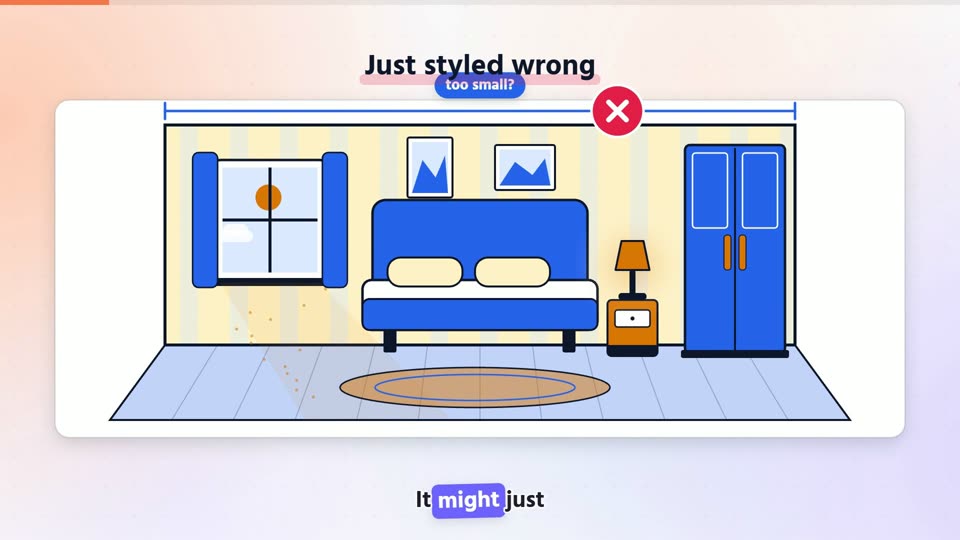 Template to tryNarrated Motion BoardBold headline, animated stage